 Planity integration
Planity, inside your salon website
You chose Planity. A Stride website embeds Planity's official widgets in its own pages, so your clients book an appointment, buy a gift card and shop your products without leaving your site.
- Planity plan
- A Planity Pro account
- Countries
- France and Belgium
- Languages
- All languages of the Planity widget
Supported Planity widgets
Each is Planity's official widget, on a page of your website. It takes the colours you set in Planity and the font of your site.
Planity also provides: Gift cards

Appointments
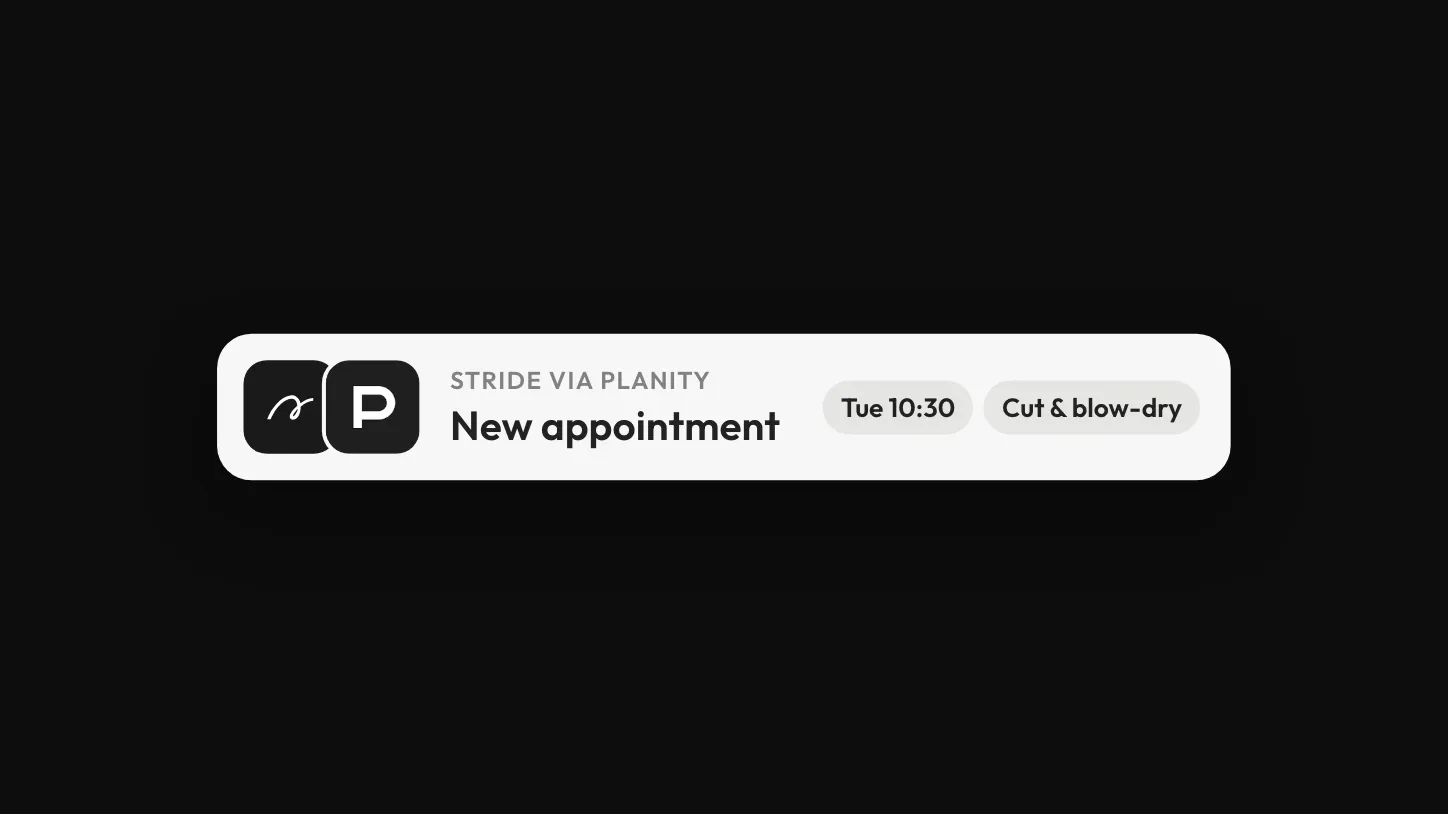
Your clients see your availability, choose a service and, if you allow it, a team member, and book. They get a confirmation by email and a reminder by text before their visit.

Gift cards
Your clients buy a gift card for your salon from your website, and Planity handles the sale.

Online shop
Your clients buy your products from your website. The shop is an option of your Planity account.
How to add Planity
It takes three steps, and the key comes from your Planity account.
Activate the white-label module
Planity's customer service turns it on for your salon, if it is not on already.
Copy your Planity key
In Planity, open Admin, then Mon site internet, then Module marque blanche. Choose what to show, set your colours and click Copier le code.
Choose Planity in your Stride dashboard
Open your site editor, then Appointments. Choose Advanced Solution Integration, select Planity, paste the key, preview and confirm. If you prefer, ask us and our team sets it up with you.
Questions
What business owners ask us about Planity and Stride.
Do I keep my Planity account?
Yes. Planity stays your booking tool, with your diary, your services and your clients. Stride is the website that shows it.
Does the Planity integration cost extra on Stride?
No. Stride adds no charge for it. Your Planity subscription stays as it is.
My salon has a page on planity.com. Why a website too?
Your Planity page puts you in front of people looking for a salon on planity.com. Your website is the place you own, where people who search your salon's name decide, with the same Planity booking in it.
Can I show Planity beside another booking tool?
Not for the same location: a site shows one booking widget per location, so your clients always book in one place. Links to marketplaces are not limited.
Does Stride put my Planity bookings on Google?
Stride publishes your website's link on your Google Business Profile. The Book online button on Google is set up in Planity. See how Profile Sync works.
Who do I contact if the widget stops working?
Planity for what happens inside the widget, Stride for the page it sits on.
Planity is a trademark of its owner. Stride integrates with Planity. Learn more about Planity: info.planity.com
More tools that work with Stride
See all integrations
Instagram
Stride shows the latest posts of your Instagram Business or Creator account on your website, as a wall that refreshes automatically.
 Google Reviews in Stride
Google Reviews
Stride brings your Google reviews into its review inbox, where you can answer them depending on your plan, and shows the ones you choose on your website.

WhatsApp
Stride adds a WhatsApp button and pop-up to your website, so visitors start a WhatsApp conversation with you.
See your website with Planity
Create your Stride website yourself. With a setup package, our team has your website live in 5 days.
Create my site