Is Your Google Business Category Costing You Customers?
Your Google Category Could Be Losing You Customers
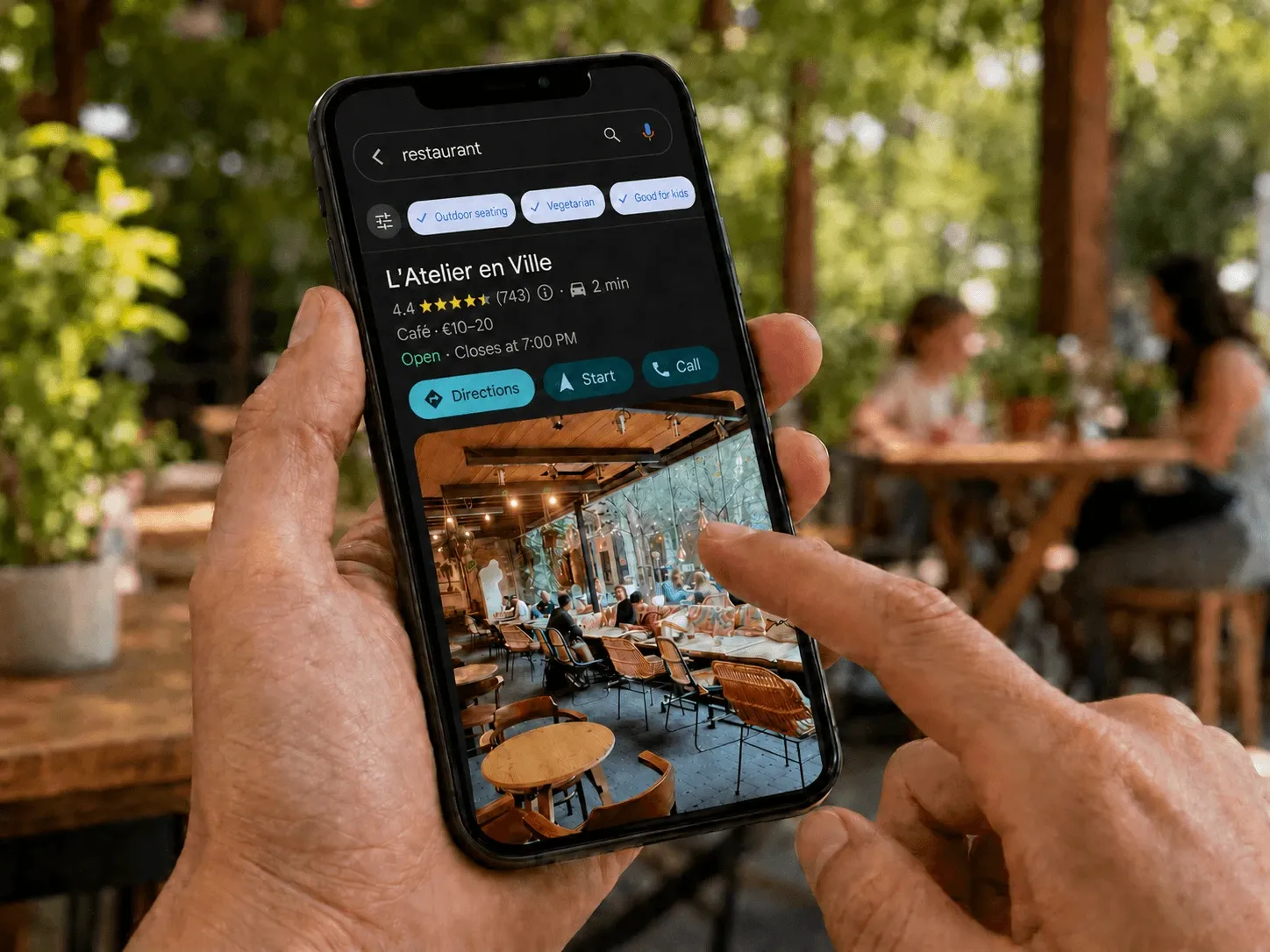
The main category on your Google Business Profile is one of the best signals for the local pack, and it’s most likely sitting there as set up once and forgotten.
Broad categories like ‘restaurant’ are too vague for high-intent customers who know exactly what they are after, losing you them for good.
Get the most specific and relevant category on your main profile, and add secondary categories for support. Don’t forget to fill in attributes either.
There is a setting in your Google Business Profile that carries more weight than most other signals, and most are not revisiting it after creating a listing.
Why the Main Category Carries So Much Weight
Within the Whitespark Local Search Ranking Factors for 2026, the primary category shows as one of the best signals for ranking within the local pack—three businesses shown alongside the map.
It’s not a stylistic or neatening label. It’s one of the first things Google’s system looks for to work out if you are included in a given result.
That’s why a “forgotten and unattended” category that was selected in haste on the day of listing creation could be silently stopping you from winning key searches.
The Common Mistake: Selecting Too Broad When You Should Be Specific
By using ‘Restaurant’ when you offer ‘Pizzeria’ or ‘Japanese restaurant’, you’re weakening your visibility against a customer who is at the point of decision and looking for that precise thing.
When it comes down to it, a customer only needs to choose your establishment when they know what they’re having, and these are often your most profitable leads.
If the menu is the same, an ‘Italian restaurant’ listing would outrank a ‘Restaurant’ listing for ‘Italian restaurant Paris’, and for good reason: it tells Google exactly where you are playing in the local results race.
The ‘Cast a Wide Net’ Instinct Backfires
People naturally use a broad category out of fear of limiting the reach of their business, which is the wrong way to approach it, as people misunderstand.
A specific category does not replace a broad one; it complements it.
An ‘Italian restaurant’ listing still appears alongside all other ‘restaurants near me’, and additionally captures all cuisine-specific searches.
A ‘Restaurant’ listing only captures half.
And a broad category doesn’t necessarily open more doors; it’s effectively closing one.
A caveat: ‘Specific’ does not mean ‘obscure’. You need to be using the most specific category employed by existing businesses that are outranking you for your target search terms; otherwise you’re not getting any traffic benefit.
How to Update Your Category
Be signed into the owner account and search for your business on Google or on Maps.
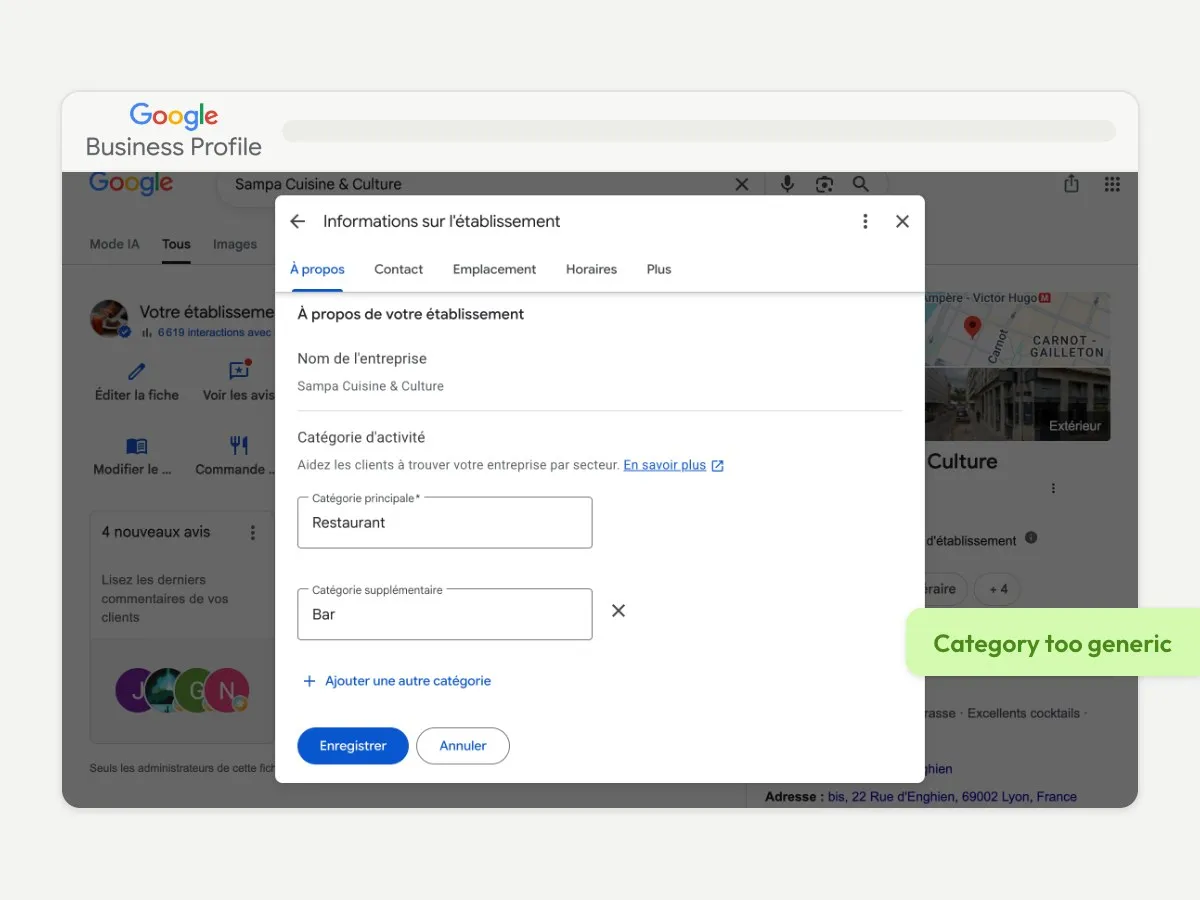
On your Google Business Profile, click ‘Edit profile’, then head to the ‘Category’ section to view what is listed as your primary.
If you see ‘Restaurant,’ choose the most specific category used by businesses that are outranking you for relevant searches, then add additional relevant categories.
A brasserie that offers wood-fired pizza could, for example, claim ‘Brasserie’ as the primary, and ‘Pizzeria’ as a secondary category.
The same logic can be applied for any local business; your restaurant website and your Google listing should say the same thing.
Also, You Can Win by Selecting Your Attributes
While on this screen, take a look at your attributes like outdoor dining, air conditioning, disabled access, if it’s group-friendly, if you offer vegetarian options, and if reservations are required.
These will allow your business to appear for more natural language searches, such as ‘restaurant with terrace open Sunday’, which will be common with AI assistants instead of keyboard prompts, a similar issue we touched upon with why most restaurants are invisible to ChatGPT.
Missing attributes represent missing opportunities.
A Word of Warning Before Making Changes
If your listing currently has problems like missing reviews or being unable to obtain any new reviews, hold off on modifying your categories until any current issues are resolved.
Altering categories significantly during unstable periods can attract extra scrutiny.
Tackle instability first, then optimise.
Conclusion
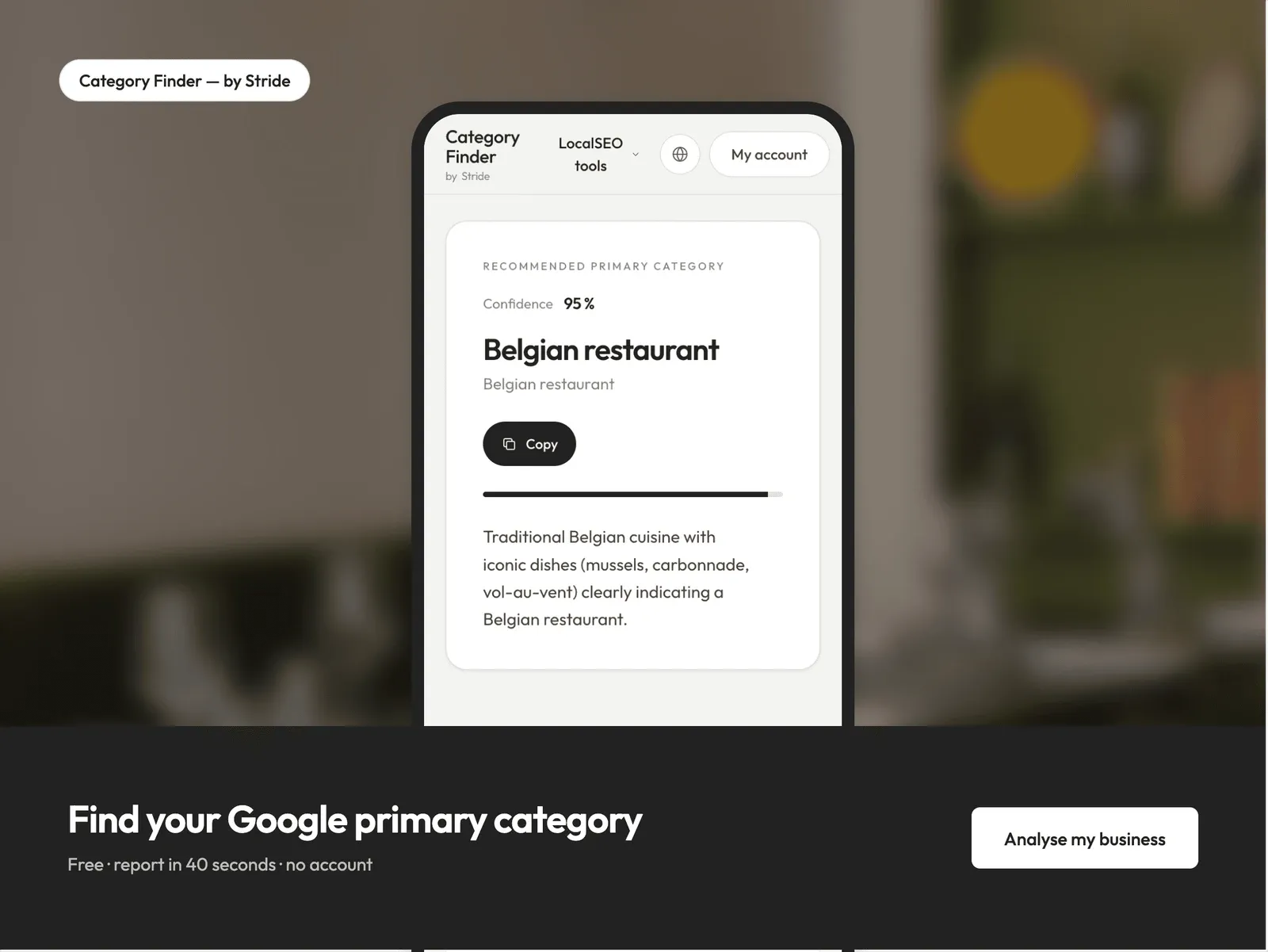
Not sure if your Google listing is operating at its full potential?
Have a go at our free online presence analysis.
We will assess your website, business listings, and reviews, showing you what needs improving with only two minutes of your time.
Frequently Asked Questions
What Is My Main Category for My Google Business Profile?
This is the primary, most specific category to classify your business, and it's one of the best indicators for your Google search ranking. It has more weighting than any other category listed.
Can I Have More Than One Category on My Google Business Profile?
Yes, you can. You select only one main category, and you can add multiple secondary ones. They are not contradictory and help to support your main category; claim any other categories you legitimately apply to.
Does a More Specific Category Limit My Reach?
No, it widens it. A specific primary category will show in standard broader queries such as 'restaurant near me' and also in every niche-specific query. A broad category can only grab the standard queries.
How Regularly Do I Need to Check My Category?
Every time your offering changes, and at minimum once a year. Google is regularly adding and redefining categories, so a category that could better describe your business may now be available.