Got a Terrace? Set the Google Attribute So Diners Can Find It
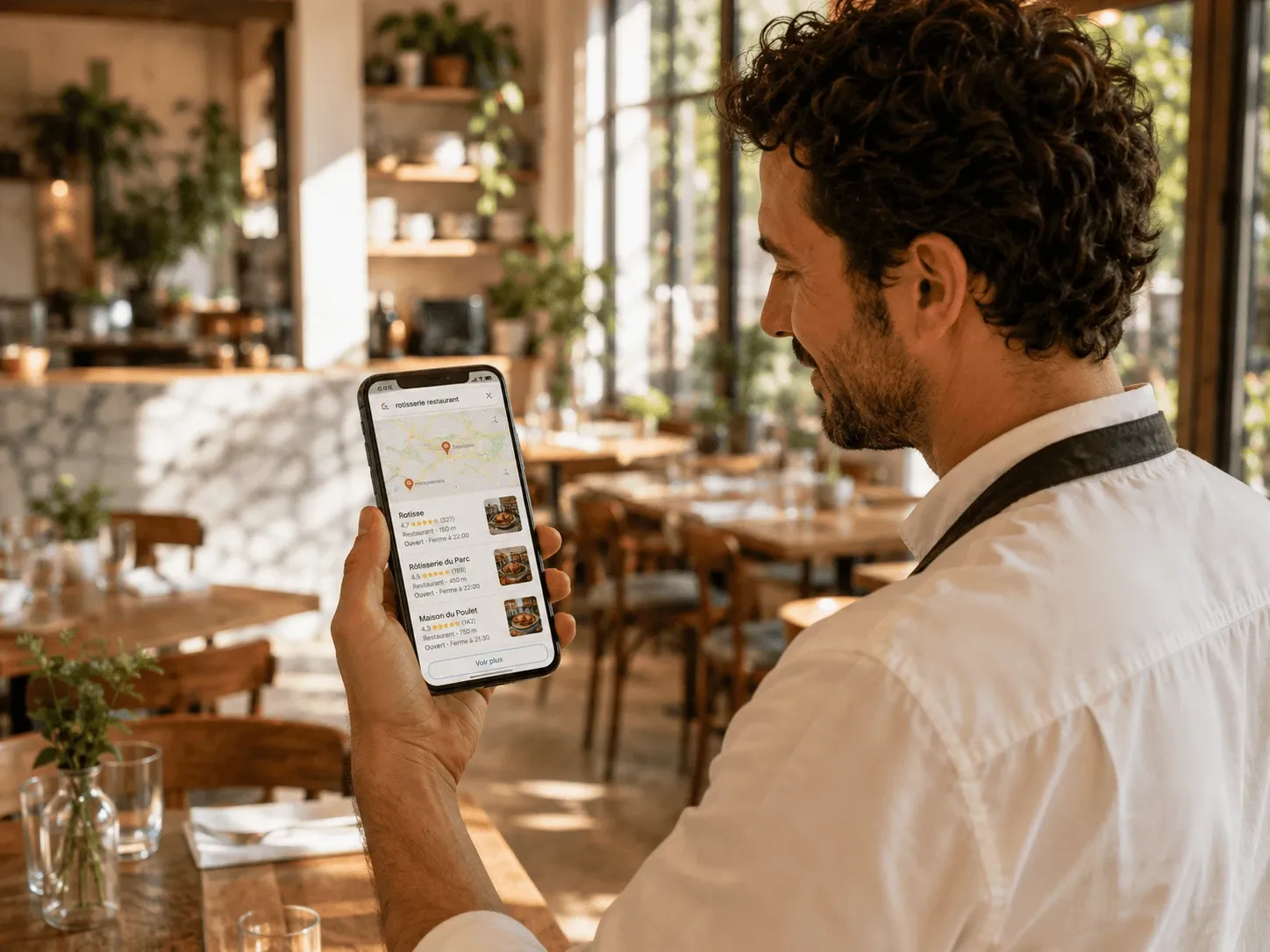
Diners filter Google searches by attributes such as outdoor seating, vegan options, and good for kids. If a restaurant has not set them, it never appears in those filtered searches. Setting them takes about two minutes and makes the restaurant findable for exactly what it offers.
 Pablo
Pablo
You have a terrace. Google does not know. So when a diner searches for somewhere with outdoor seating on a warm evening, your restaurant is not in the results, and the neighbour who ticked one box gets the table. That box is a Google attribute, and setting yours takes about two minutes.
Why attributes matter
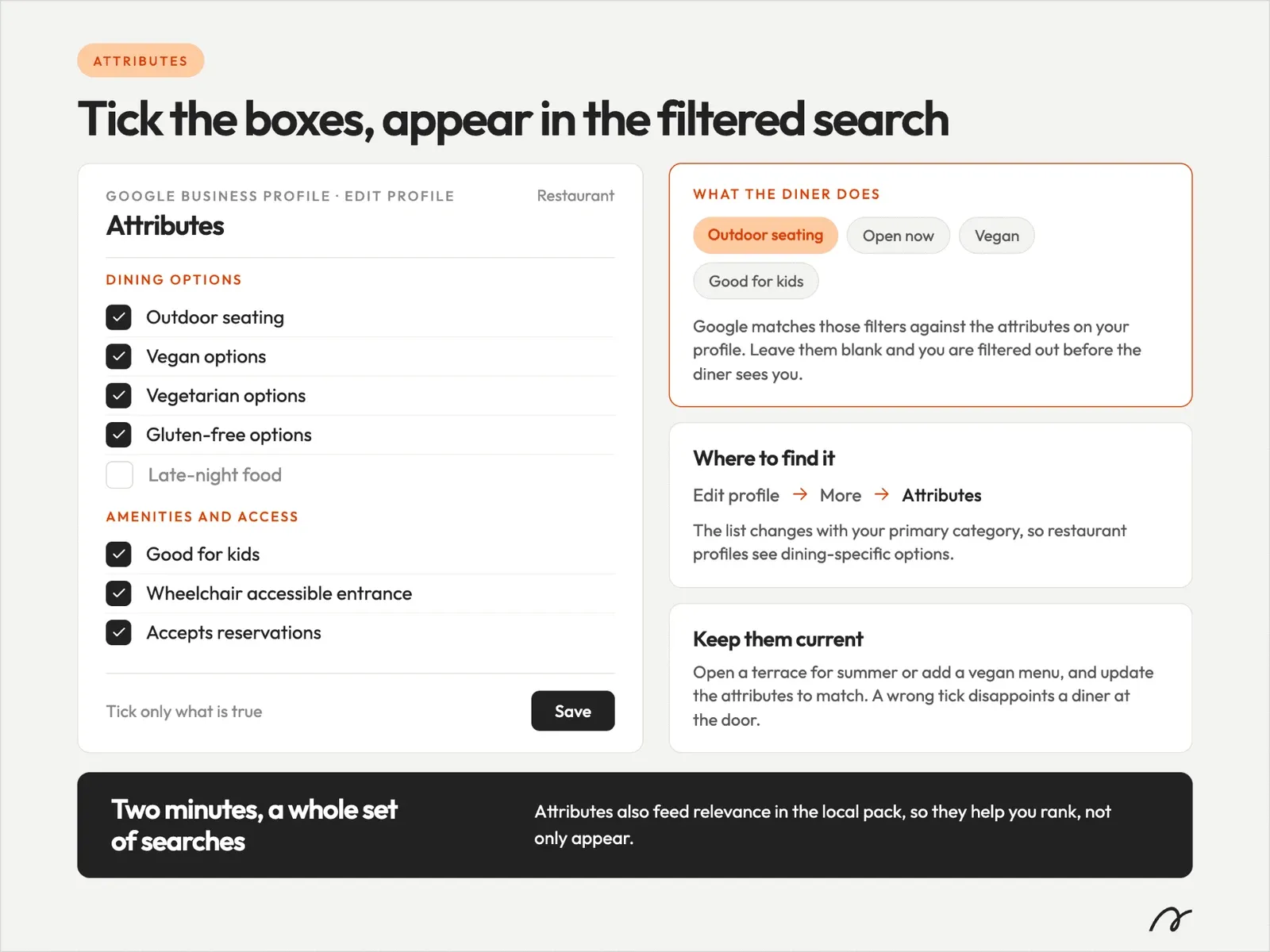
When a diner searches, they narrow by what they need: a terrace, a vegan menu, wheelchair access, a family table. Google matches those filters against the attributes on your Google Business Profile. Leave them blank, and you are filtered out before the diner ever sees you.
Be clear about what this does and does not do. Attributes will not lift you in a generic search like “restaurants near me”. What they do is get you into the searches that name the attribute: the diner filtering for a terrace, a vegan menu, or somewhere good for kids. Whitespark’s analysis of Google Business Profile attributes makes the same point: that attributes affect visibility when the query names the attribute, not general rankings.
Which attributes to prioritise
You do not need every attribute, only the ones diners actually filter by. For a restaurant, the ones that pull their weight are:
-
Outdoor seating, for the terrace and warm-evening searches.
-
Dietary options: vegan, vegetarian, and gluten-free.
-
Kid-friendly, which drives many family bookings.
-
Wheelchair accessible, a genuine deciding factor for those who need it.
-
Accepts reservations, so diners know they can book ahead.
Set these first. Add the rest as they apply.
The two-minute fix
-
Open your Google Business Profile.
-
Go to Edit profile, then Attributes (sometimes grouped under “More”).
-
Tick every attribute that genuinely applies from the list above, and any others that fit.
-
Tick only what is true. A wrong tick disappoints a diner at the door and invites a poor review.
-
Save.
That is the whole job. A handful of taps, and diners filtering for exactly what you offer find you instead of scrolling past.
What it will not do
Attributes will not carry a thin profile on their own. They work alongside an exact category and a complete profile. They also change with the seasons of your business: if you open a terrace for summer or add a vegan menu, update the attributes to match. But of all the two-minute fixes, this is one of the highest-return, because it opens a set of searches you were simply absent from.
Conclusion
Want to see which attributes you are missing, and how you show up today? Run a free online presence analysis. It checks your Google presence and shows you the gaps before a competitor with a fuller profile takes the table.
Frequently Asked Questions
Where are attributes in Google Business Profile?
Under Edit profile, then Attributes, sometimes grouped under "More". The list changes with your primary category, so restaurant profiles see dining-specific options.
Which attributes matter most for a restaurant?
The ones diners actually filter by: outdoor seating, dietary options such as vegan and vegetarian, good for kids, wheelchair access, and whether you take reservations.
Do attributes help with AI and voice search too?
Yes. The same clear, structured details that let Google filter you also help AI assistants and voice search describe and recommend you. Attributes are simply facts about your restaurant in a form machines can read, so they work across every system that sends you diners.