What's New at Stride This Month - July 2026
What’s New on Stride This July: Preview Builder, Homepage Flexibility, and More
This July, our product team has launched an array of improvements to the Stride platform that you’ll experience seamlessly, with no installations or updates required.
We’ve highlighted five significant changes rolling out this month, including a new preview builder available to everyone, expanded homepage functionality, enhanced public site stability, an accurate customer list, and crucial backend developments in domain management.
Here are the details:
The New Preview Builder – Now Available for All
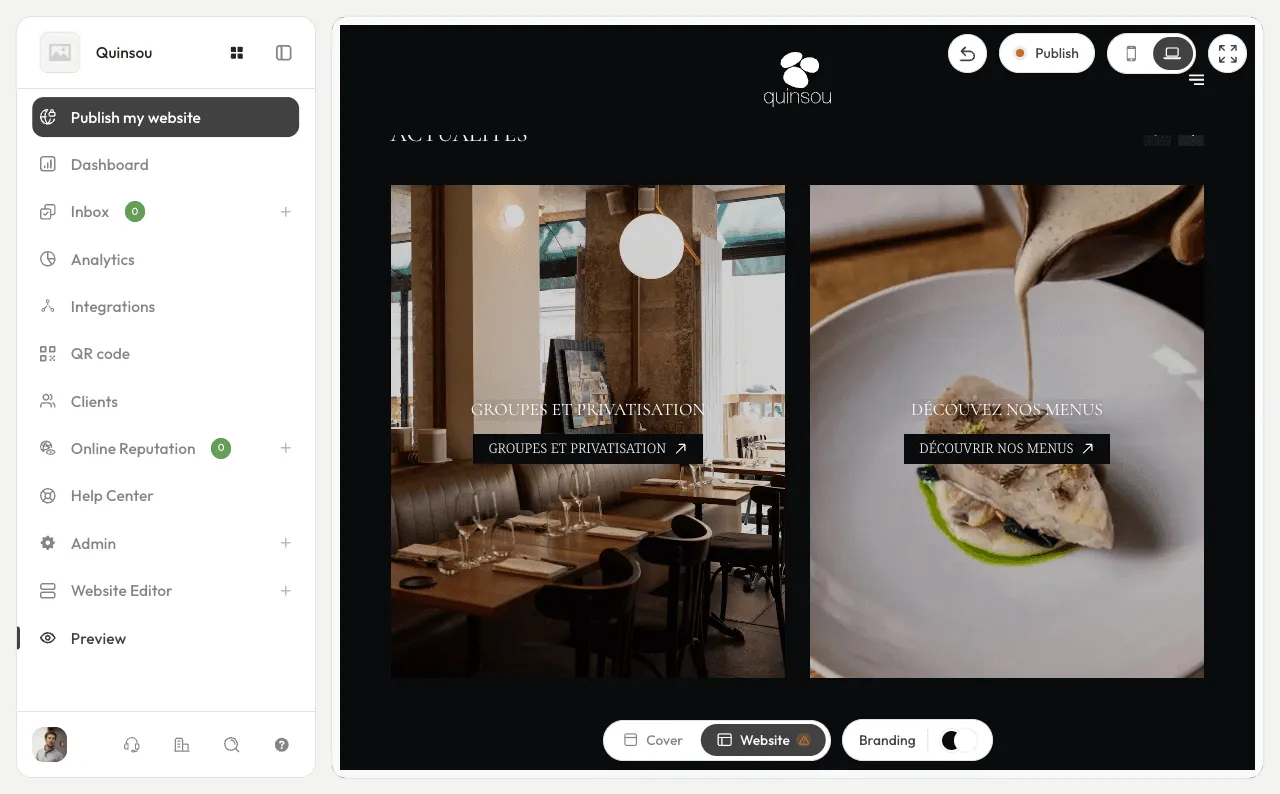
The most noticeable change this July is the public release of our new preview builder, which offers three key advantages.
First, you can now save a theme without making it live; this means you can test out a new visual design and keep it ready in the background without affecting your current published site.
Second, each theme now comes with a shareable preview link that can be sent to business partners, managers, agencies, or clients, allowing them to see exactly how the theme will look without needing to log into your back-office.
Third, actions related to themes, such as saving, publishing, and duplicating, have been clarified within the interface, making it simpler to understand what changes are being applied and what will appear on the live site.
More Flexible Homepage
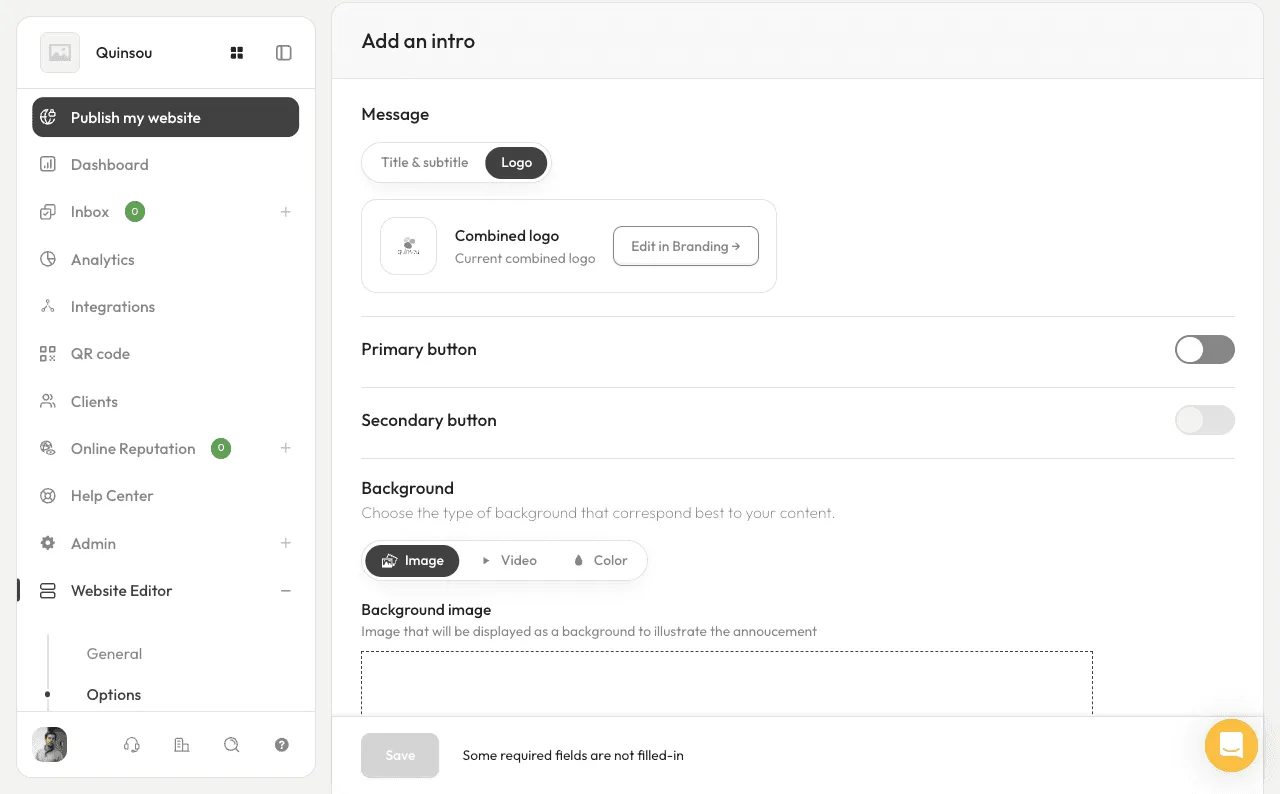
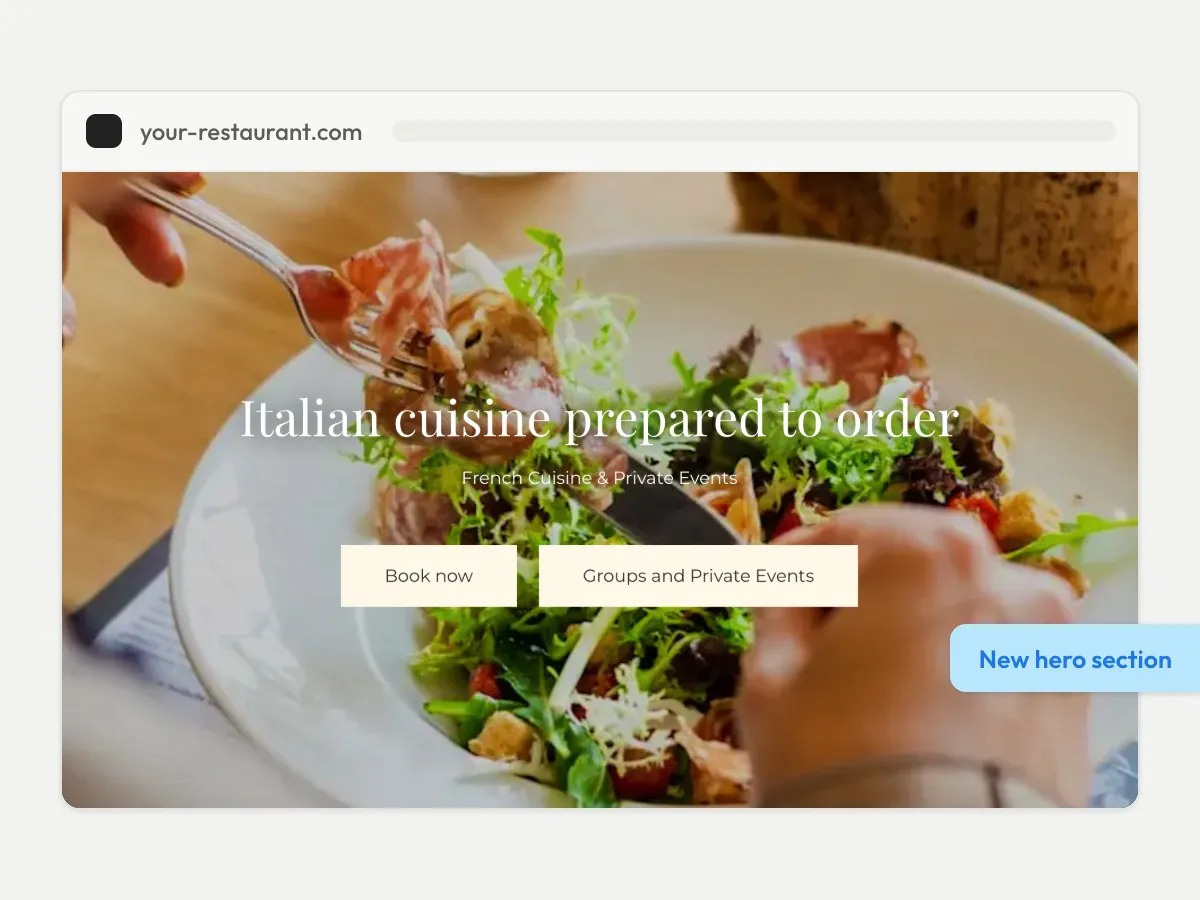
The introductory section of your homepage can now accommodate two call-to-action buttons instead of one.
This makes it easier to offer combined options such as “Book a table” and “Order online,” or “Book” and “View menu,” based on what’s most important for your business.
The character limit for button text has also been increased from 15 to 25, allowing for more descriptive labels that now fit perfectly in French and Italian.
In addition, alignment and sizing adjustments have been made for a cleaner look across all devices.
An Improved Back-Office
Everyday tools such as the QR code generator, statistics, inbox, and site preview have been given more prominence in the navigation menu.
These features were already available but were previously less accessible; they now only require one click.
The QR code generator is also now documented in the Help Centre with instructions on how to create codes that link to your menu, booking page, or entire website.
Accurate Customer List Counts
A misleading display issue on certain pages has been fixed.
Previously, the registered customer counter showed the page size (e.g., 20) instead of the actual total of contacts collected in your database.
You can now see the precise number of customers captured.
Event Space Bookings Enhancement
Event space booking forms now include more robust validation.
The guest count must be a positive number, and the requested date must be in the future, preventing past dates from being submitted.
This will result in fewer incorrect requests to process and reduce the amount of back-and-forth needed to clarify booking details.
Video Improvements
When you add a YouTube URL, the back-office will now check if it’s embeddable and alert you if it is not, so you’ll know before publishing.
On the public-facing site, the display for private videos or unavailable thumbnails has been corrected, eliminating broken blocks on the page.
A Major Overhaul of Domains
A significant amount of our development effort this July has been dedicated to domain management.
While this isn’t visually apparent in the interface, it’s a foundational improvement.
Key updates include more reliable domain synchronisation and correctly formatted site links in transactional emails.
Groundwork has also been laid for supporting secondary domains, a crucial step for multi-location brands and businesses managing multiple domain names.
Performance and Reliability Fixes
Finally, several critical production issues have been addressed, including 504 errors during deployments, Redis management, renderer pre-warming, Google Consent Mode integration, and issues with partner scripts.
These behind-the-scenes fixes are essential for keeping your site loading quickly, displaying correctly, and remaining stable as the platform evolves, all without any action required from your end.
Summary
| Area | What it changes for you |
|---|---|
| Preview builder | Test and get a theme approved before publishing it |
| Homepage | Two action buttons, labels up to 25 characters |
| Navigation | QR code, statistics, and inbox more accessible |
| Client list | The counter shows the real total |
| Space bookings | Fewer incorrect requests to deal with |
| Videos | Checked on upload, display fixed on the site |
| Domains | More reliable syncing, secondary domains in preparation |
| Performance | Public sites more stable and faster |
Need Help?
Please don’t hesitate to reach out to your Stride contact if you have any questions about these new features or would like to discuss how they can be best utilised on your site.