What's New at Stride This Month - June 2026
In June 2026, getting online with Stride got simpler: you can sign up on your own and publish a free cover page. Your About page can now tell your concept, you choose the reviews your site shows, and your pages appear sooner.

One change in June 2026 matters more than the rest: you can now get a business online with Stride on your own, starting with a free cover page. Around it, your website gained new ways to say what makes you different and to show what customers think of you, and it got faster for every visitor.
Go online on your own, with a free cover page
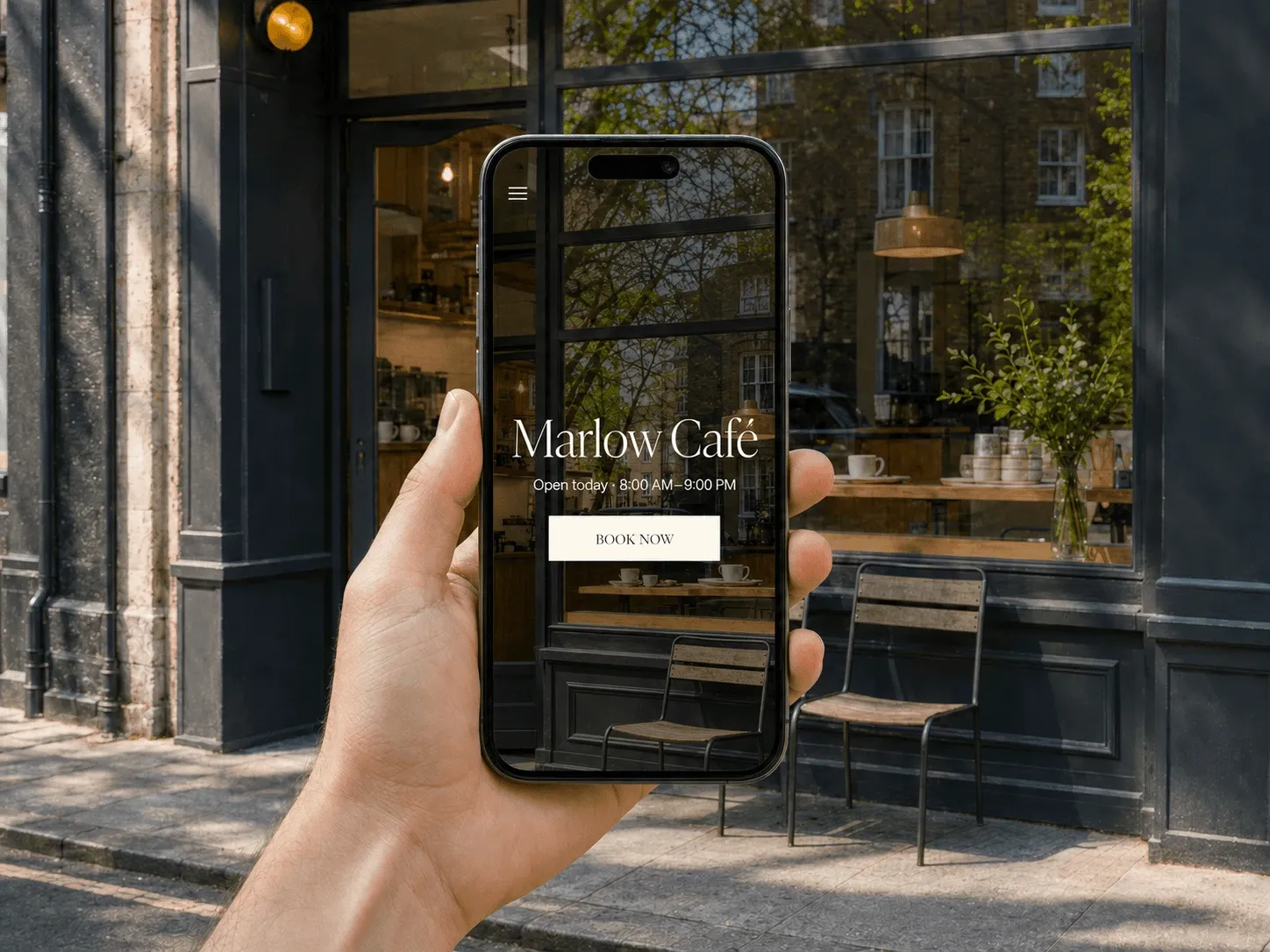
Getting started no longer begins with a call to our team. Sign up, and a checklist on your dashboard takes you to a free cover page: a one-page website with your name, your details and your photos, which customers and Google can find straight away.
A missing logo or cover photo does not hold you back. Press Skip for now and the page goes live anyway, in a layout chosen from your branding, with a map when there is no photo. When you need more, the checklist’s second step takes you on to a full website, with your pages, your menu or services and your bookings, from the same account.
Tell visitors what you stand for
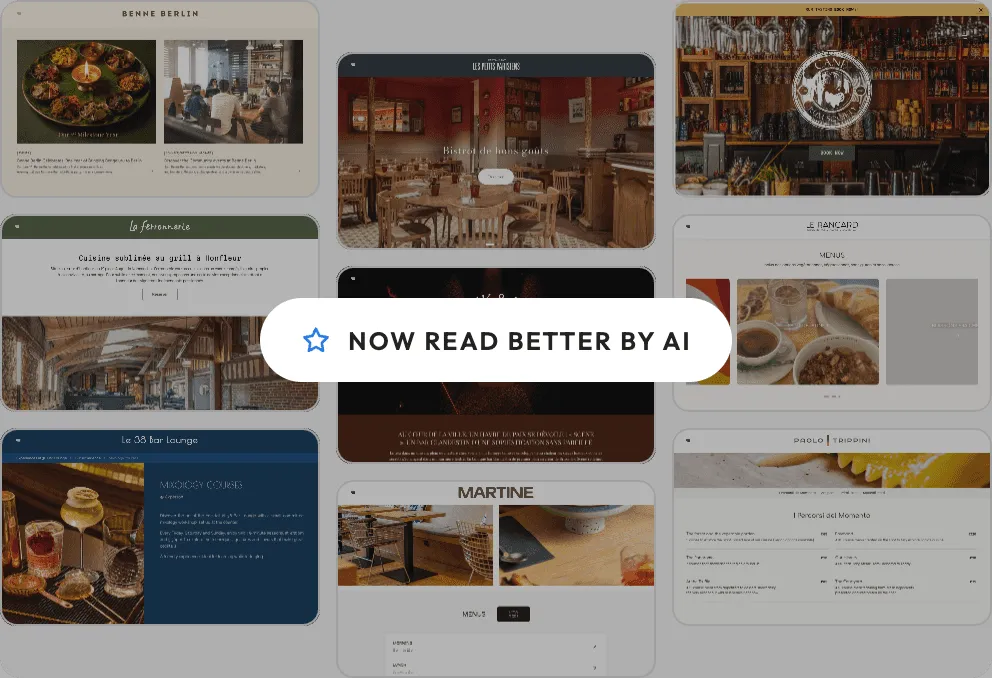
A new Concept section on your About page turns your story into a few pillars, each with a picture, a short text and, if you want, a button. Local sourcing, a family recipe, a zero-waste kitchen: told one idea at a time, a visitor sees in a few seconds what sets you apart from the place next door. You find it in the website editor, under Options › Concept.
Show your best reviews on your own website
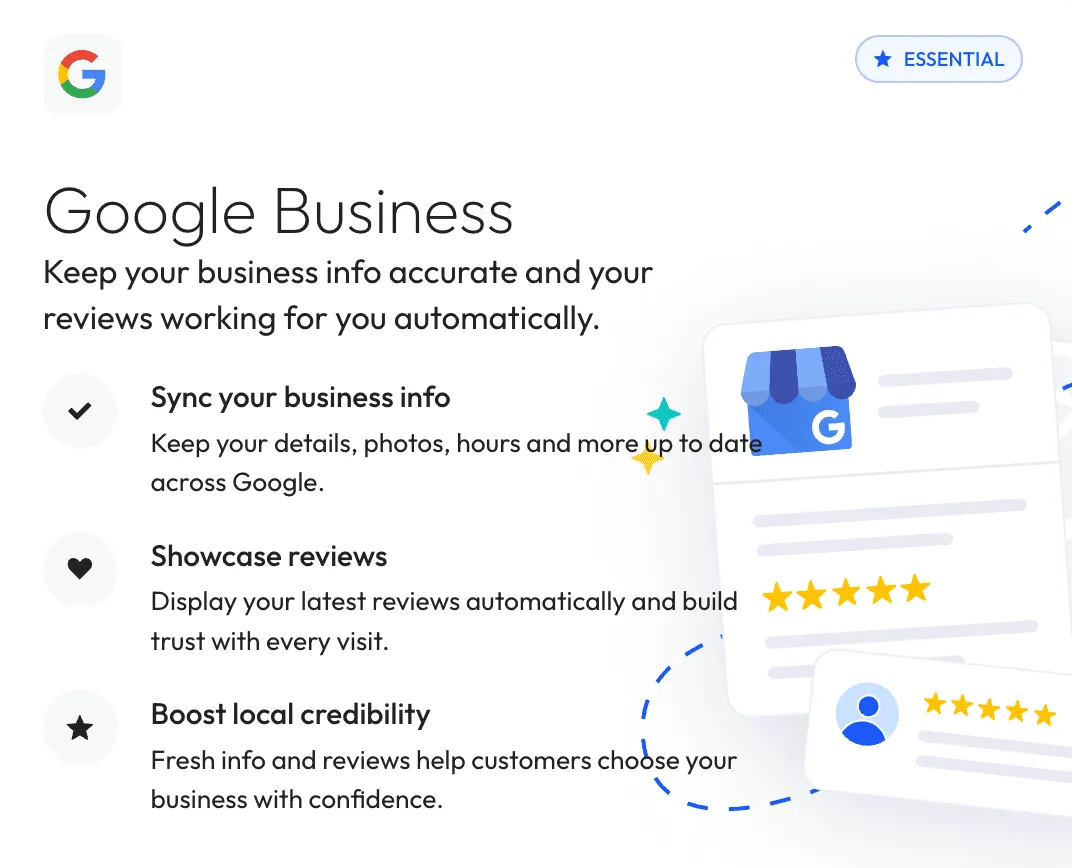
People check what others say before they choose, and many used to leave your site to do it. Now the proof is on your website. Pick the reviews it shows and put them in the order you like, add the kind words that came by email as testimonials, and show your Google, TripAdvisor and Yelp ratings side by side. Your Google score keeps itself up to date.
Featured reviews depend on your plan, and you set them up in the website editor, under Featured reviews.
Every tool you can connect, in one place
The Integrations page of the app now shows the tools you already use first, then every tool you can add, each with a line on what it does. Search the list or filter it by type, such as reservations, food orders, appointments or gift cards. If the tool you use is missing, the Request integration button tells us.
Pages that show sooner, even while we update Stride
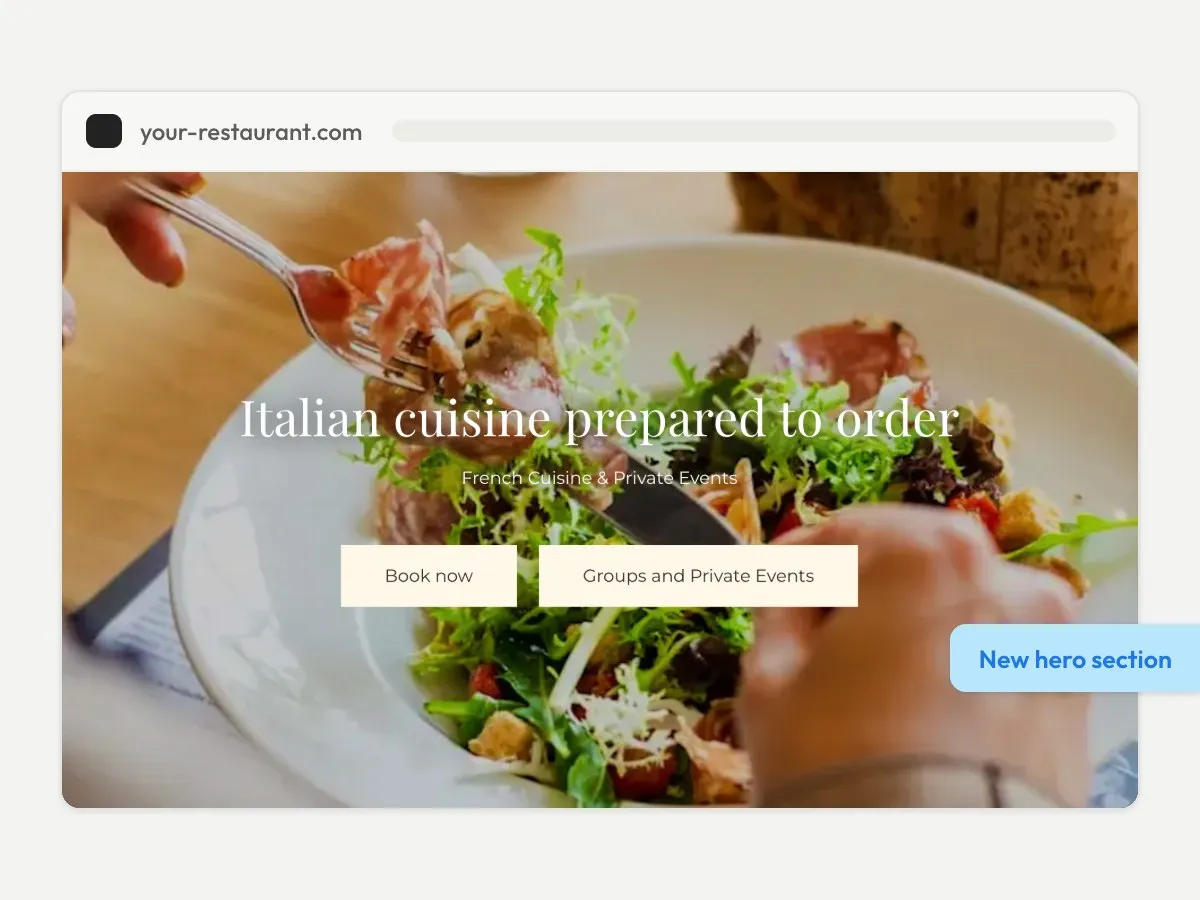
Your visitors see your pages sooner, on a phone most of all, and the page no longer jumps around as it loads. When we update Stride, they still get your page instead of an error. This reached every Stride website on its own, with nothing to set up.
The month’s smaller fixes include one that visitors notice: opening hours and event times now show in your business’s time zone, wherever the visitor is.
The quickest way to see all of this for yourself is to start with the free cover page, or create your site yourself from the pricing page.
Frequently Asked Questions
Do I need to do anything to get these updates?
Not for the faster pages. Upkeep and upgrades are automatic, and a Stride site never needs a rebuild to get an improvement. The Concept section and featured reviews are options you set up yourself in the website editor, and the cover page starts from the checklist on your dashboard. Featured reviews depend on your plan.
Is the Stride cover page free?
Yes. A business can sign up on its own and put a free cover page live, a one-page website with its name, its details and its photos. A full website, with its pages, its menu or services and its bookings, grows later from the same account.
Where can I see every Stride update?
On the What's new page of this site. It lists every change by year, and each major release has a page of its own that says where to find it in the app.